I want to improve accessibility where possible. Please speak up when things are off or missing.
General Navigation
You can navigate Sine Machine’s entire UI with the keyboard.
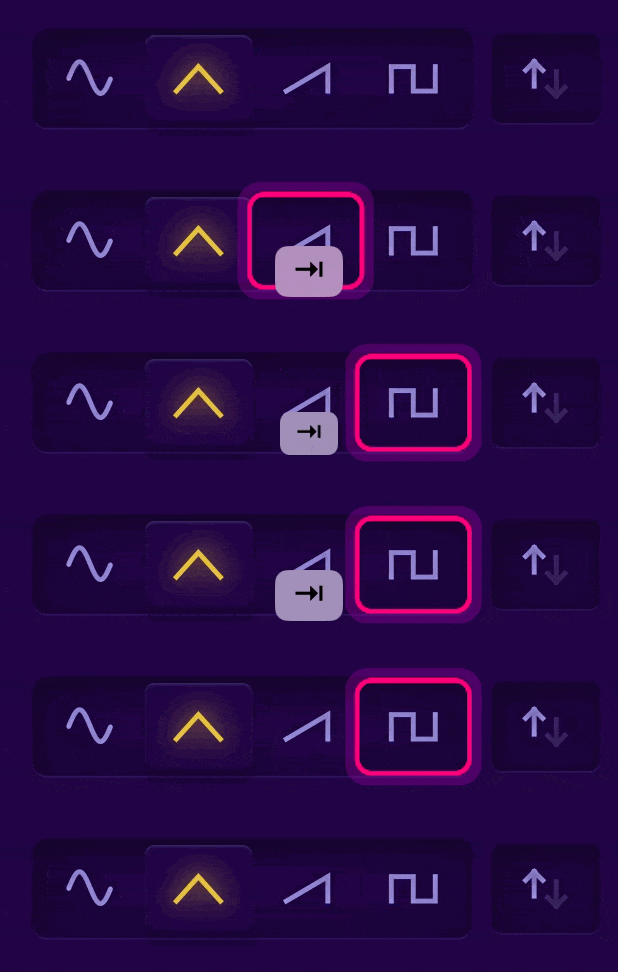
Use Tab to move to the next element. You will see a pink “focus ring” letting you know what the currently focused item is:
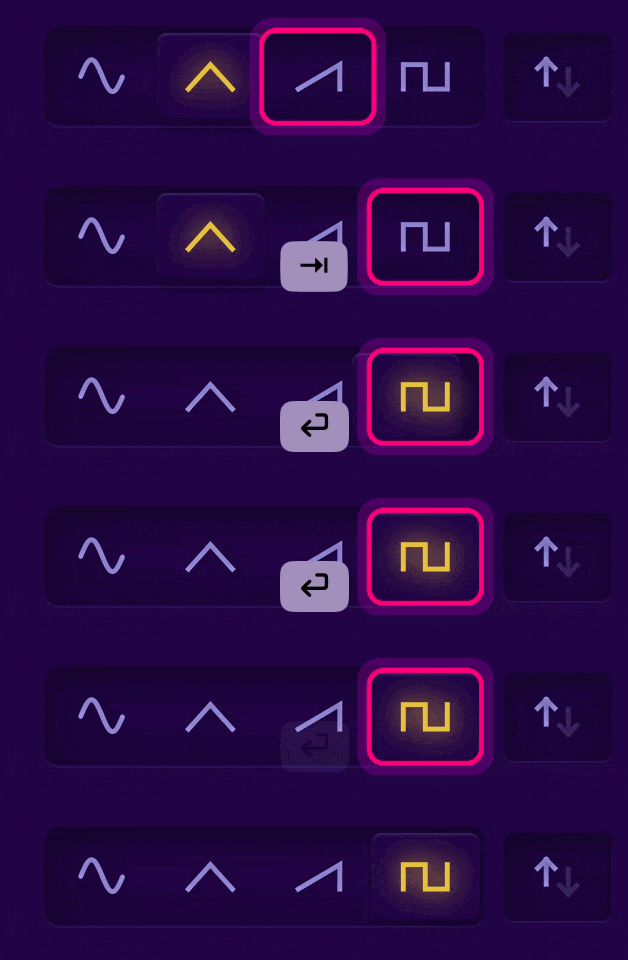
Use Enter to select an item.
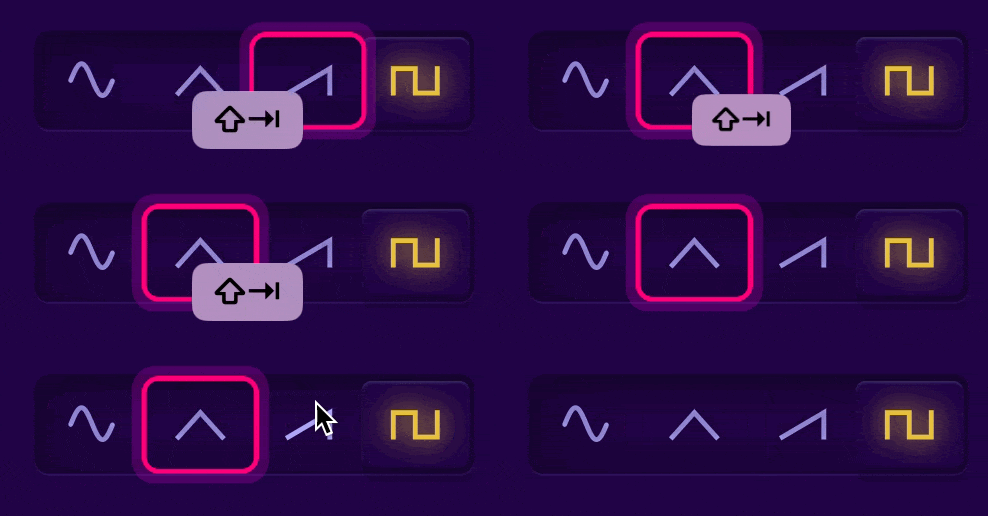
Use SHIFT Tab to move backwards.
Changing Values
Use Left and Right arrow keys to change slider values:

Hold down SHIFT with the arrow keys to move in finer increments.

Escaping Modal Overlays
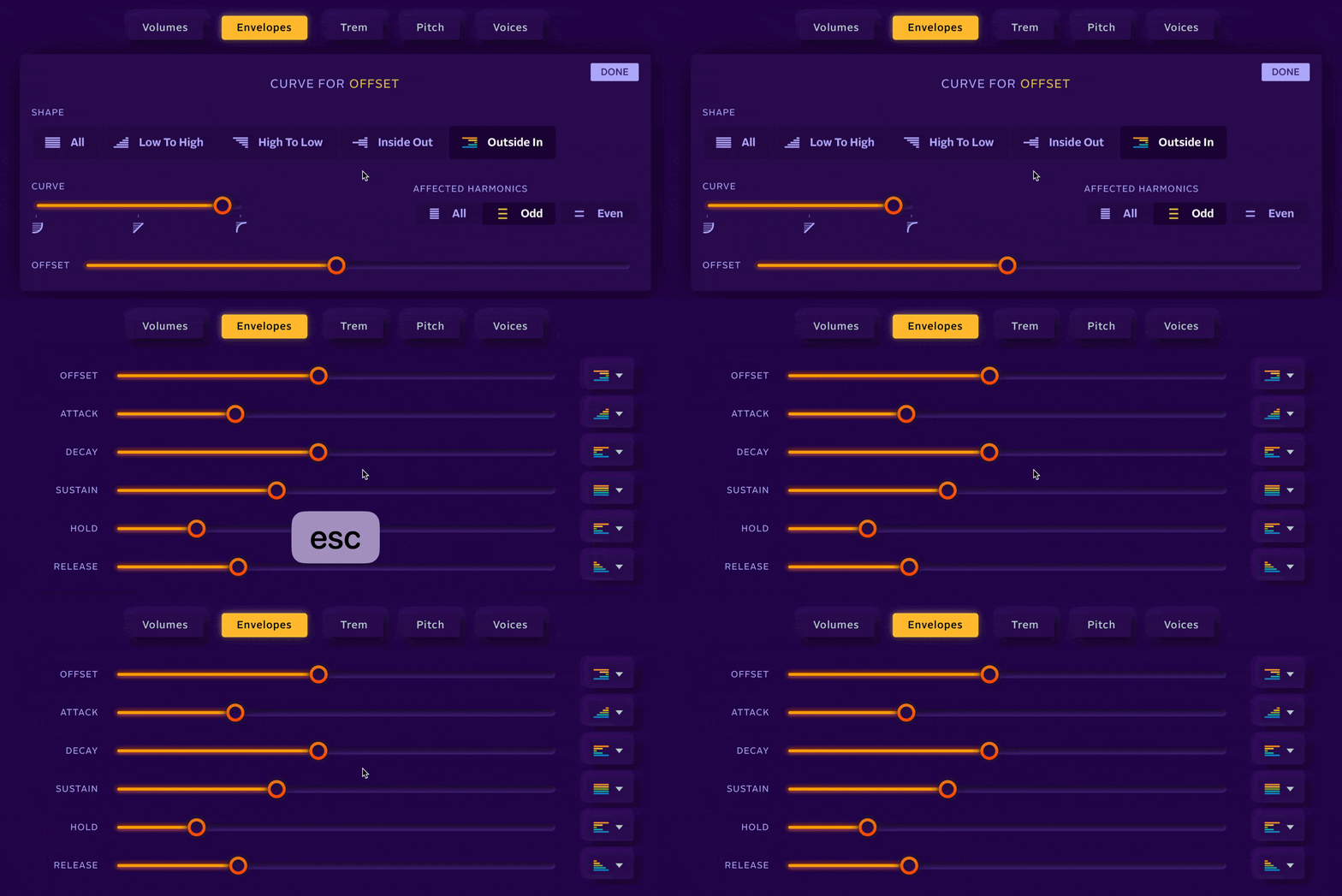
Whenever a modal overlay is preset (Edit Harmonics or Settings or Curve Details) you can use ESC to close it.
Preset Browser
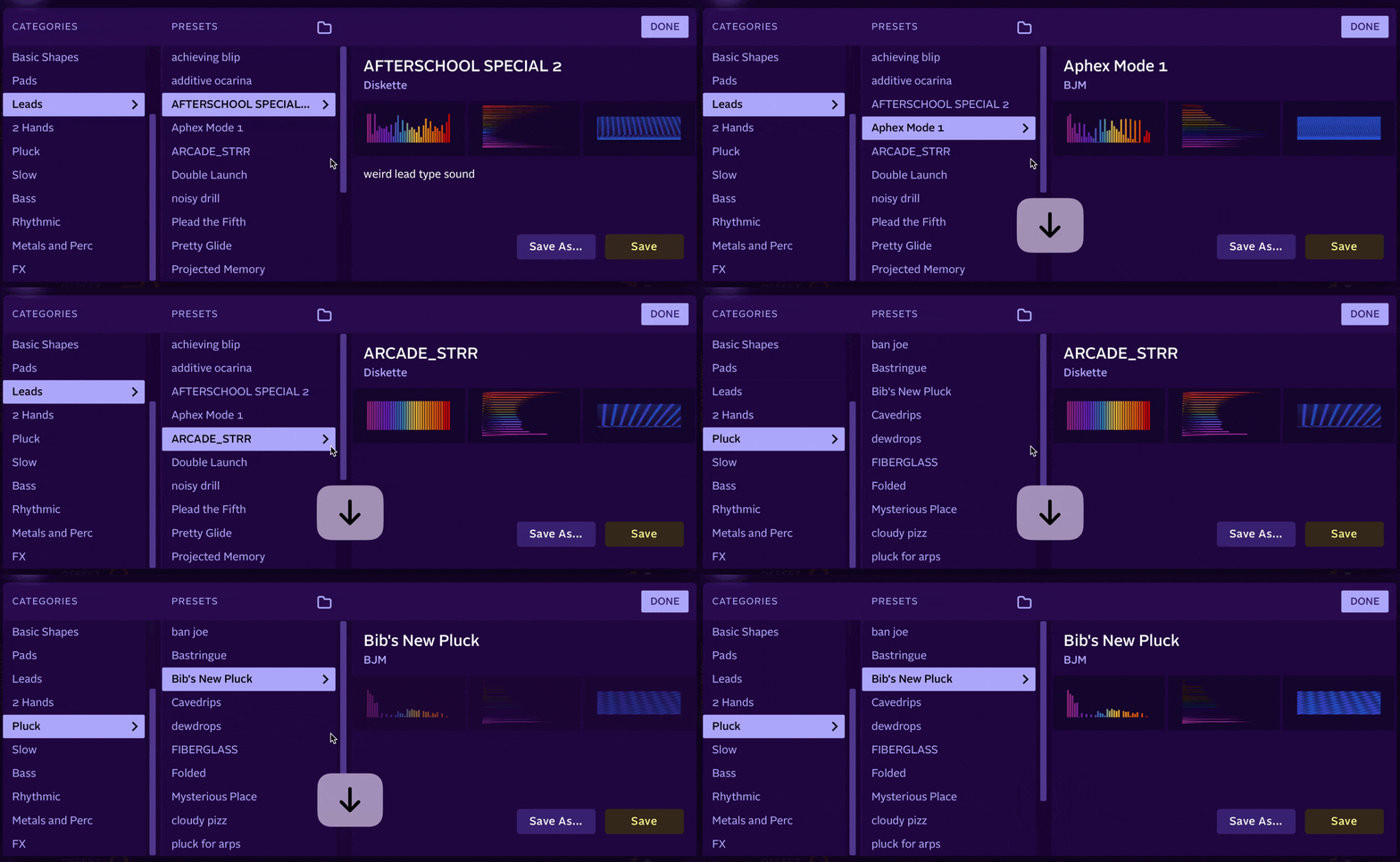
Use arrow keys (left and right) to move between categories as well as between presets in the list (up and down).
Other
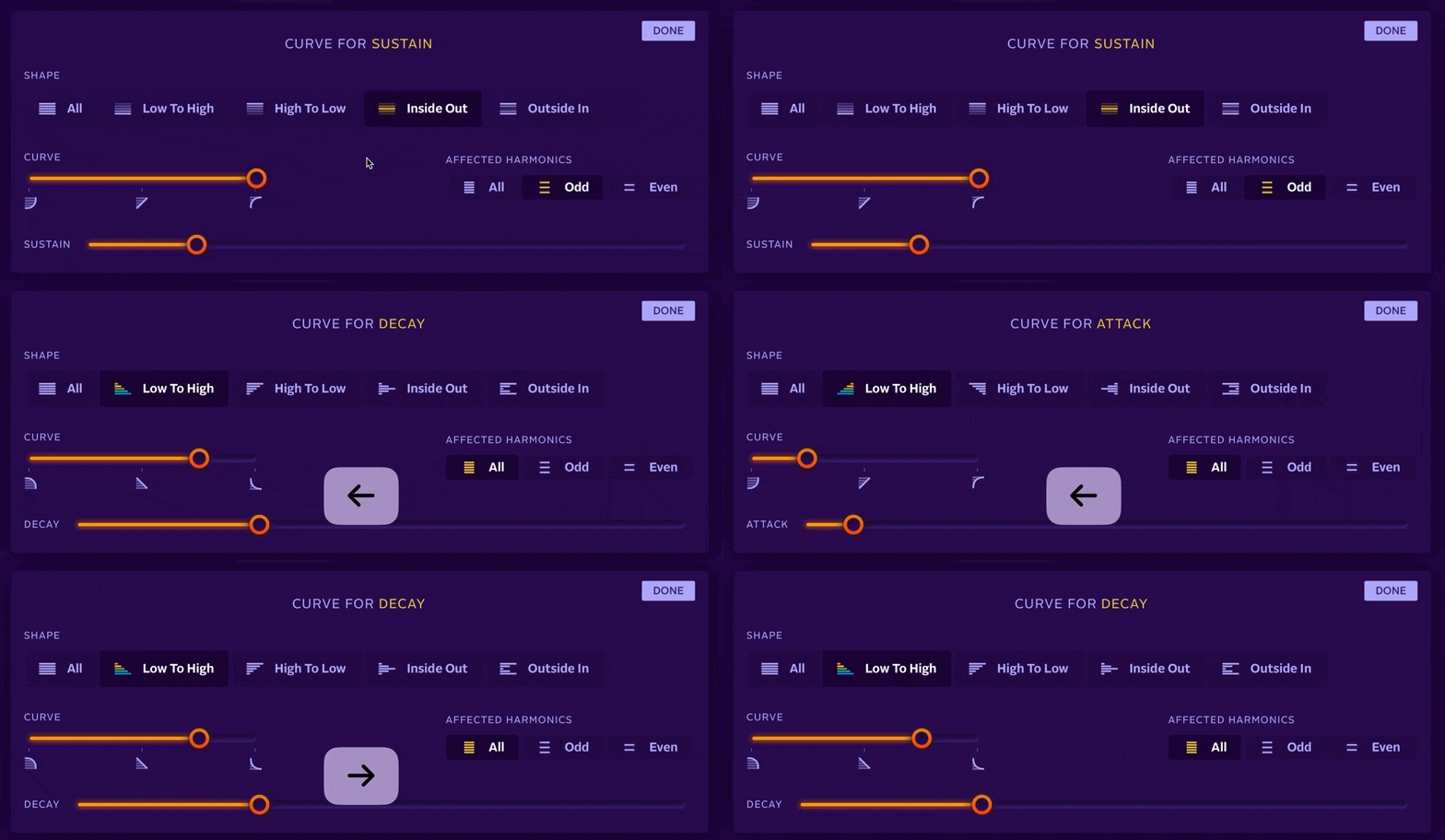
Use the left and right arrow keys to navigate between Curve Detail pages.

Leave a Reply