Sine Machine provides you with both a standalone app as well as VST3, AU and CLAP plugins that run inside your favorite DAW such as Ableton, FL Studio and Logic Pro.
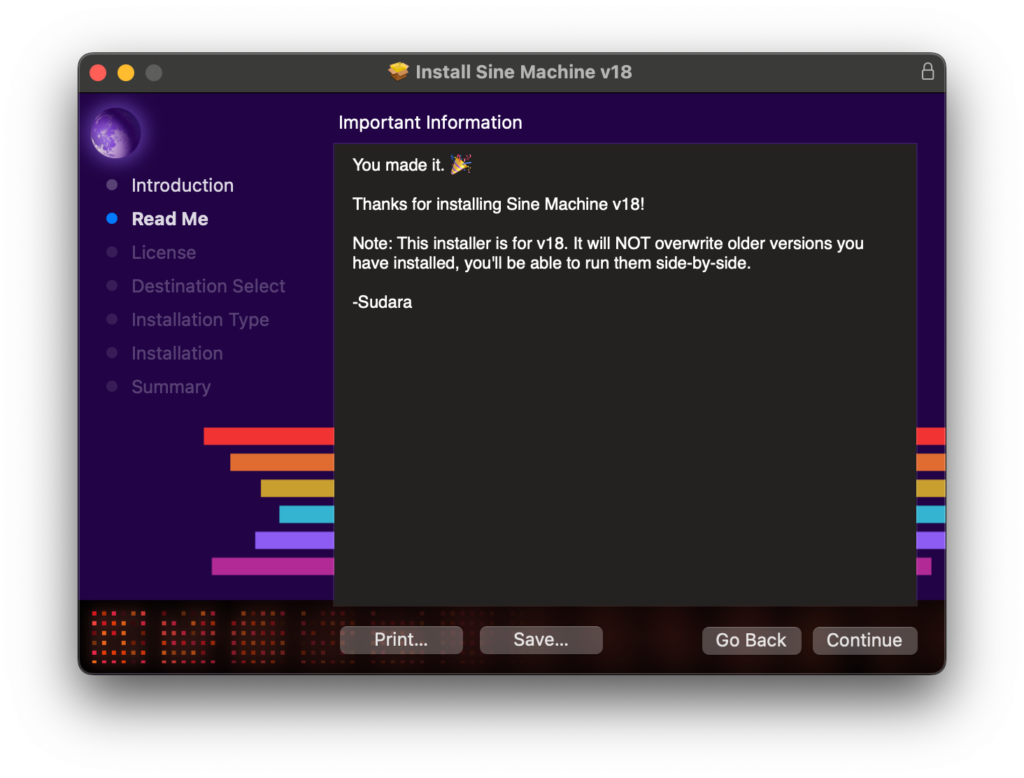
.pkg installerActivation
After you download Sine Machine, you’ll be asked to “activate” it on first open.
You will be presented with a button that will open a web page asking you to start a trial or log in to your account.
Once purchased, you can activate up to 3 computers per license. If you get a new computer, you can revoke a license on an old machine yourself by going to your Account.
Sine Machine checks in with our license server when it first starts up. This is to check for new versions and enables you to move licenses between computers, etc.
Sine Machine will never interrupt audio playback or mess with audio in your old projects, for any reason whatsoever (even if your trial expired).
A note on Major Versions
When Sine Machine adds or changes parameters or other audio behavior, we print a new major version.
New major versions show up as completely different products in your DAW (each major version has its own discrete plugin ID). That might explain why we’re already on v27!
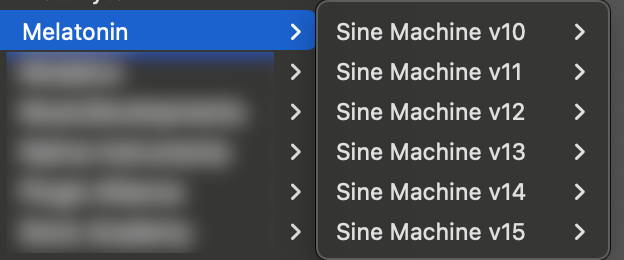
Does that weird you out? Fair enough.
WHY do we do it? Because DAWs and plugins ecosystems are pretty fragile, even in 2026. We want to make sure your (and our!) older projects won’t be affected or broken by our changes when you upgrade.
In short: this lets us add new parameters while guaranteeing your old DAW projects with automation don’t stop working!
And yes, major version updates are free!
If you no longer need older versions of Sine Machine in older projects, feel free to remove them!
You can find older versions of Sine Machine on the downloads page!


Leave a Reply