Current Status: As of 2026, Sine Machine has MPE support for polyphonic pitch and global pitch bend, including taking into account MTS-ESP tuning.
Sine Machine doesn’t yet have a way to route MPE slide/pressure.
MPE stands for MIDI Polyphonic Expression.
MPE is a standard that lets you play fancier hardware keyboards and input devices like the Linnstrument or Osmose with software synths like Sine Machine.
A normal MIDI keyboard just sends Sine Machine very simple note on/off messages and velocity.
MPE-enabled keyboards continuously send pitch, pressure and aftertouch per-note played (that’s what polyphonic refers to, notes are completely independent).
It basically lets your fingers be manual modulators of a synth’s pitch and timbre, which is pretty cool because that’s how “real” instruments work.
Sine Machine only supports MPE pitch as of official launch, July 1, 2026. If you’d like support for pressure and aftertouch, please let me know in the comments or email me.
MPE is always on
MPE is auto-detected and should work out of the box. There’s no need to manually toggle it on.
MPE Pitch Bend Smoothing
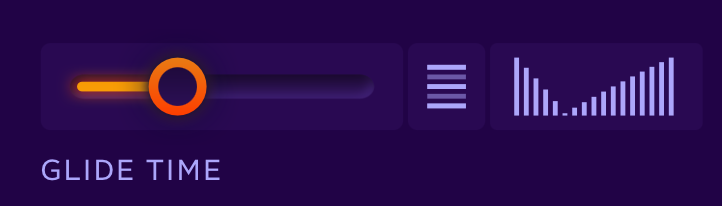
If you’d like to smooth or “slew” the pitch bends, you can do so via adjusting Glide Time on the Voices page.
Note that this means that you can take full advantage of Sine Machine’s per-harmonic glide times.
MPE and Microtuning
As of version 27.3.x, Sine Machine “does the right thing” when you are combining MPE pitch bend with loaded scales via MTS-ESP.
This means that bends are interpolated relative to the scale you have loaded, providing a musically consistent experience on MPE controllers.
A note on MPE Pitch Bend Range
Sine Machine’s MPE pitch bend range is +/- 48 semitones which matches the MPE standard and what common controllers the Osmose and the Seaboard default to out of the box.
That might sound like a huge range — but it’s not the same thing as global Pitch Bend (aka the pitch wheel).
Instead, think of it as the maximum pitch range a single note will ever be able to bend.
It’s important that Sine Machine’s setting matches the hardware being used. If your hardware requires a different ranges for some reason, please comment below or email me.


Leave a Reply